Text Viewer
Open huge text files, fast.
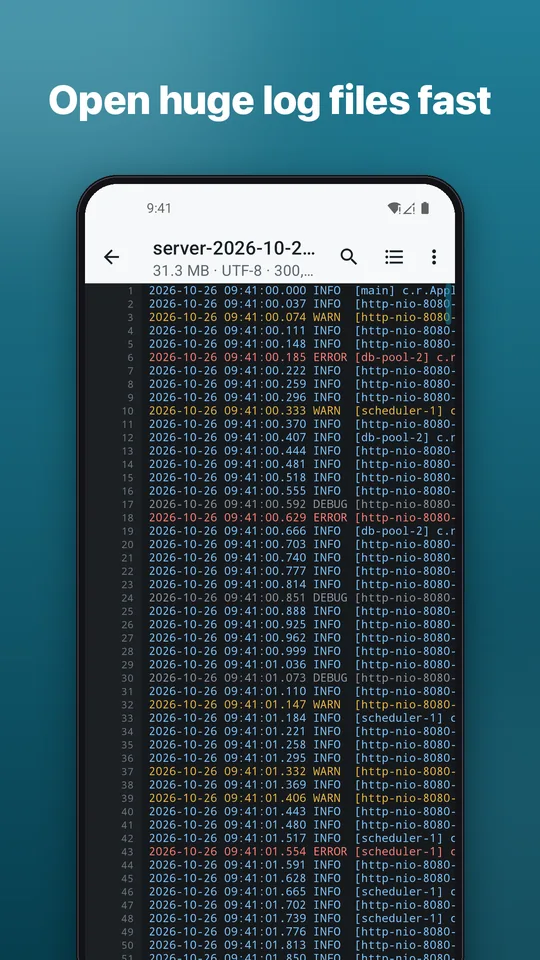
Big server logs and data exports open quickly and scroll smoothly because files are read in pieces. Search, jump to any line and read with syntax colors. Offline, no account.
Large filesWorks offlineNo account
Big server logs and data exports open quickly and scroll smoothly because files are read in pieces. Search, jump to any line and read with syntax colors. Offline, no account.
For developers, IT staff, students and anyone who got a file they cannot open.
TXT, LOG, JSON, CSV, TSV, XML, YAML, INI, MD, SQL, HTML and source code, from your file manager, email, chat or Share.
Files are read in pieces, so big logs and exports open quickly with no "file too big" errors.
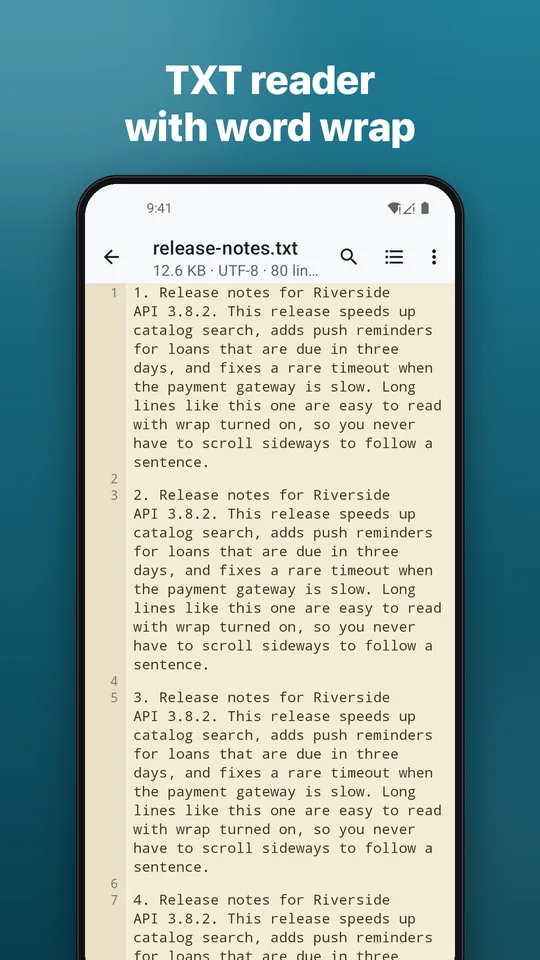
Highlighting for code, JSON, XML, YAML and SQL, with line numbers and word wrap.
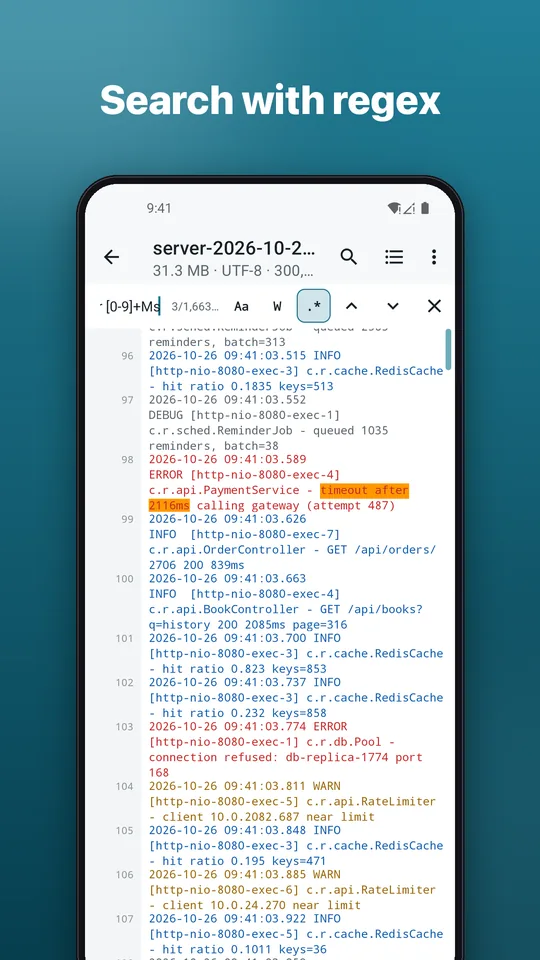
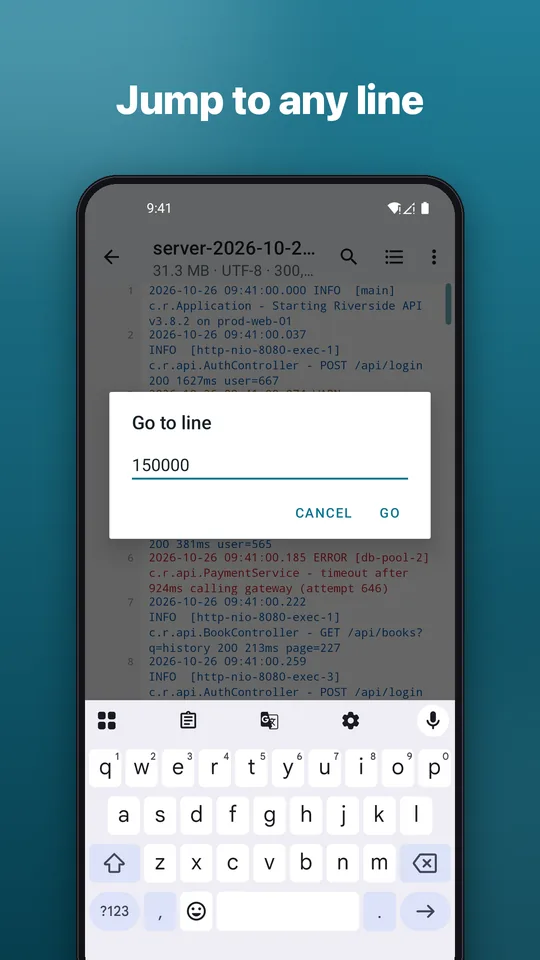
Find text in the whole file, step through matches and jump to any line.
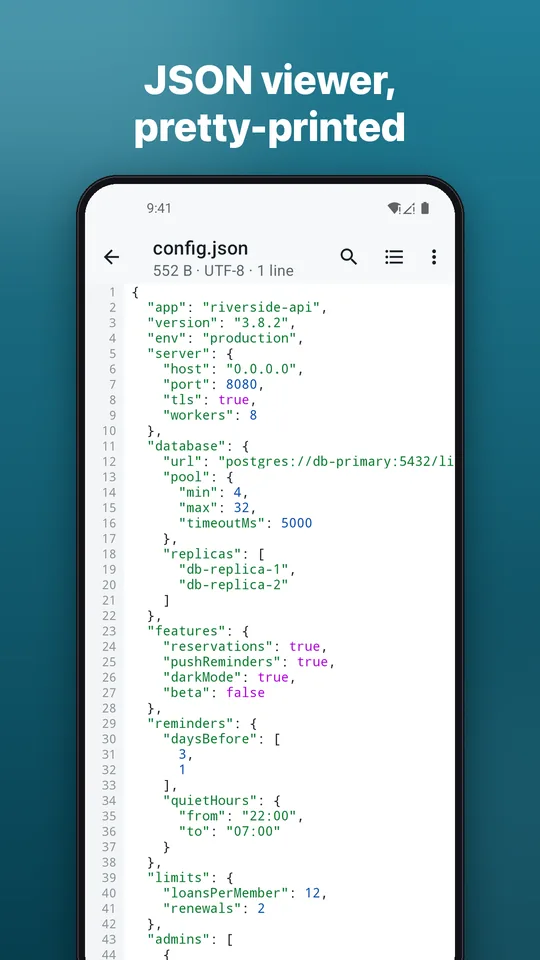
Format JSON with one tap. Pro adds a collapsible tree view.
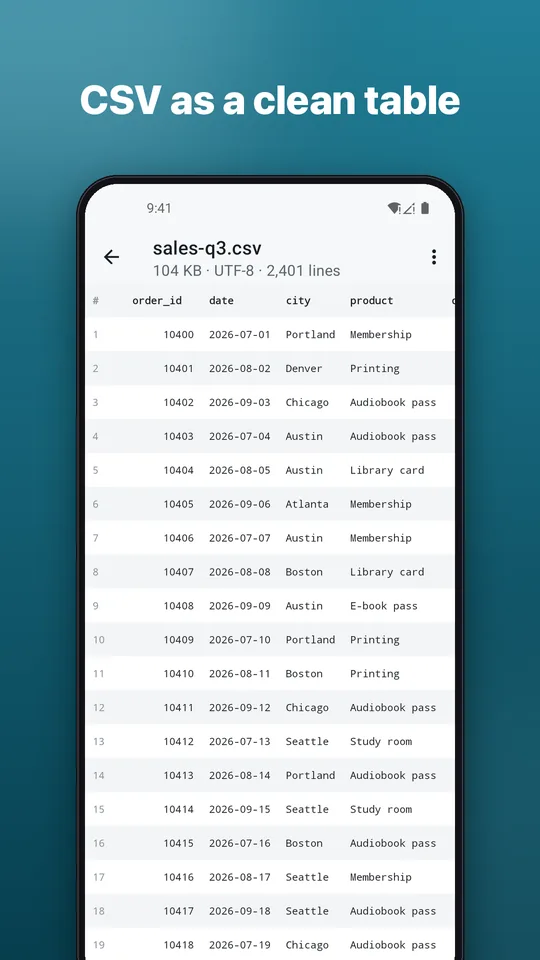
See CSV files as a real table. Pro adds sorting and filtering.
UTF-8, UTF-16 and common legacy encodings are detected automatically.
Read comfortably day or night. Markdown files open as formatted text.
The app is available in English and Vietnamese.
Free to use with ads. Go Pro to remove ads and unlock extra tools: monthly, 3-month or yearly subscription, or a one-time lifetime purchase through Google Play. Cancel any time.
Quick answers.
You can download and use it for free, with ads. An optional Pro upgrade (monthly, 3-month or yearly subscription, or a one-time lifetime purchase) is available through Google Play.
Very large ones. Files are read in pieces instead of all at once, so the size is limited by your storage, not your phone's memory.
No. Text Viewer is a viewer: your original file is never changed.
No. Files are read on your phone. There is no account and no cloud storage.
No. Install it and open a file.
Open Google Play, tap your profile, then Payments & subscriptions, then Subscriptions, choose Text Viewer and tap Cancel. Uninstalling the app does not cancel it.